
Full answer
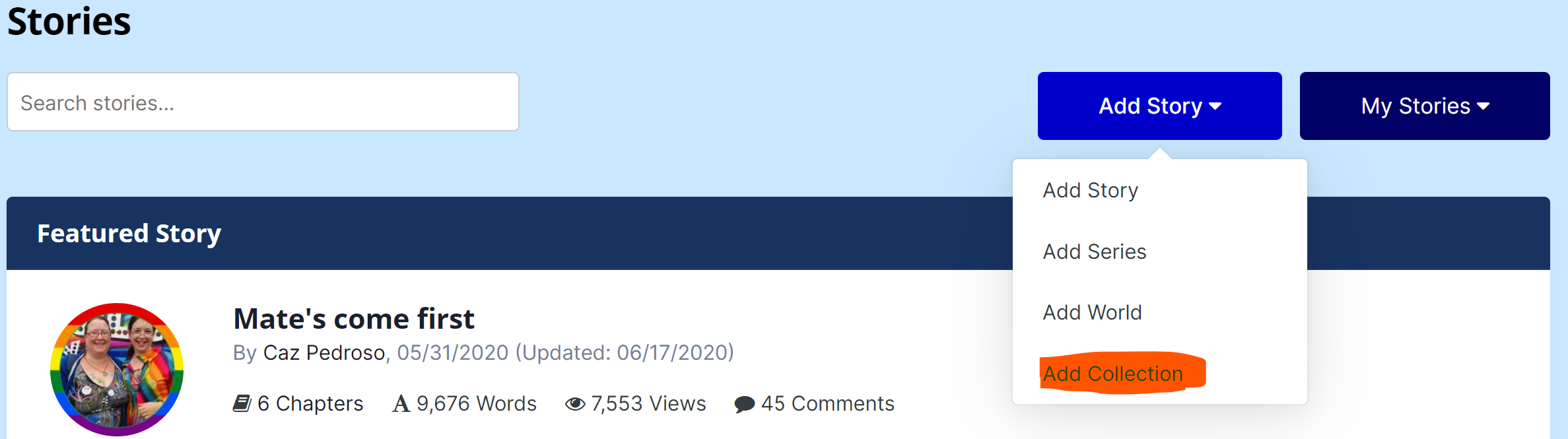
- You can create a new Story Collection by choosing "Add Collection" from the Add button in the Story Archive section of the site.
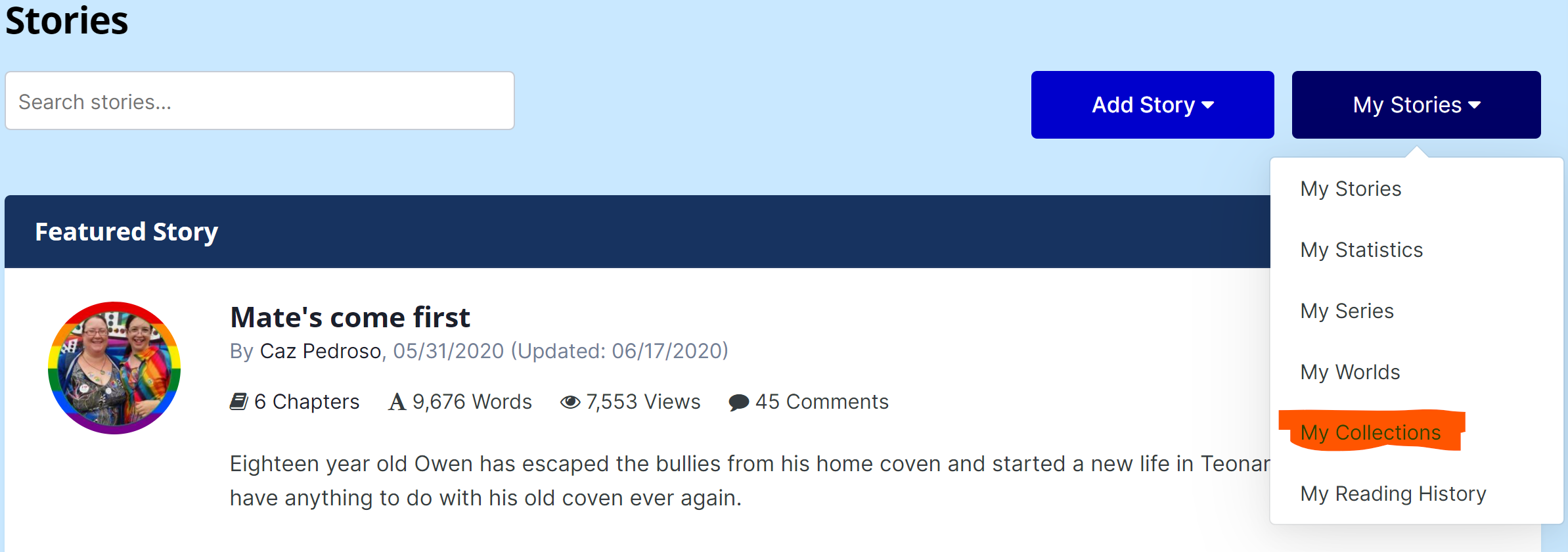
- You can view your current collections by selecting "My Collections" from the My Stories button in the Story Archive section of the site.
-
When Adding a new Collection:
- Enter a title - This is the name of the collection that you will (and others for public collections) see
- Choose Story Ordering - Is this a collection of stories or a ranked order like "My Top 5 Favorite Stories"? If order matters, choose Story Ordering. If it does not, leave it off.
-
Choose Collection type
- Private - Only You and Staff can see this.
- Public - Everyone can see this
- Curated - Only available to Staff, but otherwise behaves as Public Collection.
- Description - Describe the collection and its purpose (favorites, planned reading order, past reading order)
- Collection Cover - For curated collections by staff only.

Recommended Comments
There are no comments to display.
Create an account or sign in to comment
You need to be a member in order to leave a comment
Create an account
Sign up for a new account in our community. It's easy!
Register a new accountSign in
Already have an account? Sign in here.
Sign In Now