
Full answer
1. Select "Add Series" from "Add Story" Menu (Or "Add World" if you are adding a World)
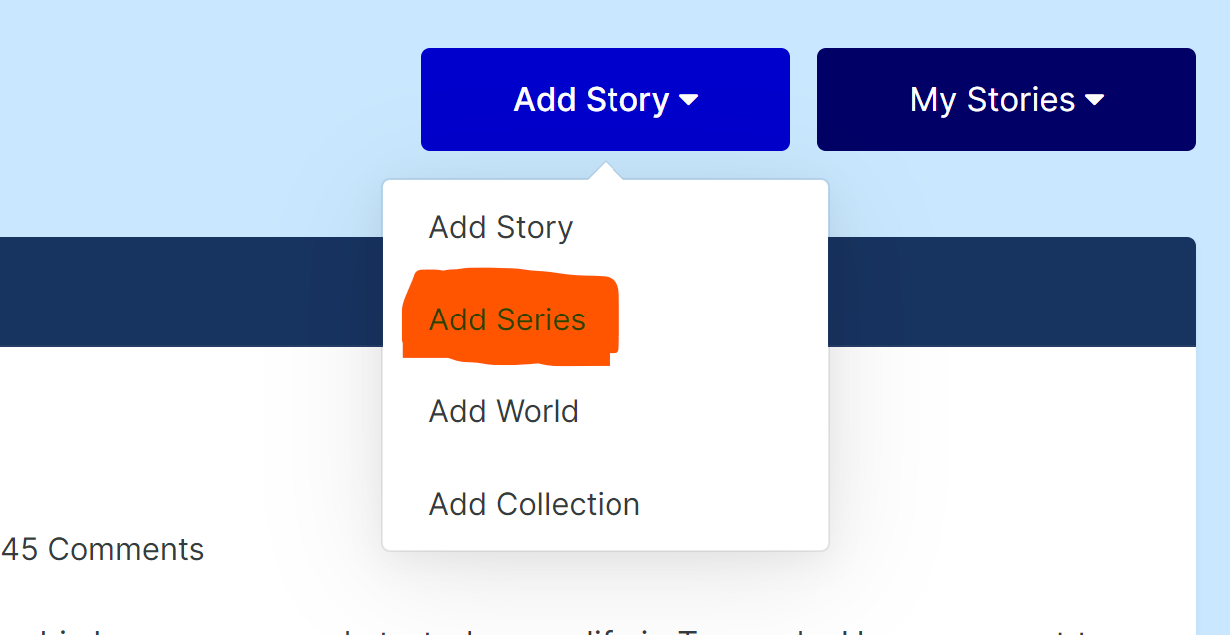
2. Fill in the series title. (Or World Title for Worlds)
3. Fill in the name of the contributors.
3. Fill in the description.

4. Add cover images as applicable for your member group. Please use the correct image sizes shown below the upload field.

5. Click save.
This works exactly the same for Worlds.
Recommended Comments
There are no comments to display.
Create an account or sign in to comment
You need to be a member in order to leave a comment
Create an account
Sign up for a new account in our community. It's easy!
Register a new accountSign in
Already have an account? Sign in here.
Sign In Now